
Proper Typing Techniques to Help Avoid Hand Fatigue or Injury
In short
In today's digital age, typing has become an integral part of our daily lives. Whether for work, communication, or leisure, many of us spend hours each.
Call (817) 382-6789 to have this looked at, or book online with Dr. Knight.
In today’s digital age, typing has become an integral part of our daily lives. Whether for work, communication, or leisure, many of us spend hours each day in front of a keyboard. However, more frequent typing means an increased potential for pain and discomfort. Typing-related pain can manifest in various forms, such as wrist pain, finger soreness, and even shoulder or neck tension. It not only hampers productivity but can also affect your overall well-being.
In this article, we discuss the common causes of typing pain and provide practical solutions to alleviate and prevent discomfort.
Causes of Pain While Typing
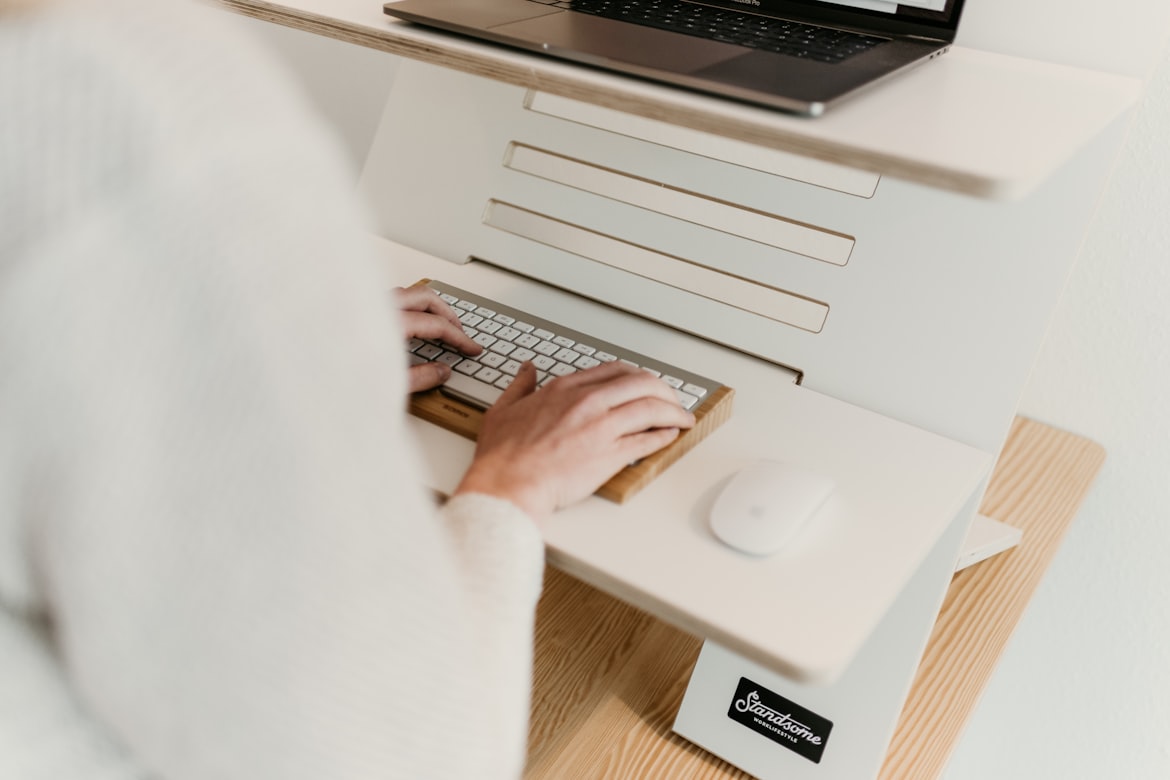
Understanding the underlying causes is crucial for addressing and preventing pain while typing. Here are some key factors that contribute to this kind of pain:
Repetitive Strain Injuries (RSIs)
Unsurprisingly, RSIs are among the most prevalent causes of typing-related pain. Repetitive motions and the overuse of certain muscles and tendons cause these types of injuries. Common RSIs include:
- Carpal tunnel syndrome.
- Tendonitis.
- Bursitis.
Poor Ergonomics
Poor ergonomics is a significant contributor to typing pain. Having an inadequate keyboard and mouse position, incorrect chair height, lack of wrist support, or a non-adjustable workstation can lead to awkward postures, strain, and discomfort.
Incorrect Typing Technique
Adopting an incorrect typing technique, such as using excessive force or the wrong finger placement, can unnecessarily strain your hands, fingers, and wrists. This can lead to muscle fatigue and pain over time.
Prolonged Typing Sessions
Engaging in long typing sessions without taking enough breaks can place continuous stress on the muscles and tendons in your hands and wrists. Not allowing enough time for your body to rest and recover can contribute to pain and discomfort.
Pre-Existing Conditions
If you have a pre-existing condition, such as arthritis, tendinitis, or nerve entrapment, you may be more susceptible to pain while typing. Repetitive motions can aggravate these conditions and may require additional care and attention.
Stress and Tension
High levels of stress and tension can cause you to type with increased force. This can increase muscle tension and lead to strain and discomfort in the hands, wrists, and upper body.
Accessories To Help Ease Pain
There are plenty of accessories available to alleviate discomfort, provide support, and reduce strain on your hands, wrists, and upper body, including:
- Ergonomic keyboardWith a split design, angled keys, and a cushioned wrist rest, this keyboard supports and minimizes strain on the hands and wrists.
- Wrist restA wrist rest is a cushioned pad that holds your wrists in a neutral position, alleviating pressure on the median nerve.
- Ergonomic mouseShaped to fit the contours of your hand, this mouse reduces strain on your wrist and fingers.
- Keyboard tray or standThis can be useful for adjusting the height and angle of your keyboard to maintain proper wrist alignment.
- Laptop standA laptop stand can help raise the screen to eye level, reducing strain on your neck and shoulders.
- Gel or foam palm supportsPalm supports provide cushioning for your palms while typing.
- Anti-fatigue matAn anti-fatigue mat can help reduce discomfort by providing cushioning and support to alleviate strain on your feet, legs, and lower back.
Exercises That Temporarily Ease Pain
Stretching exercises help improve your blood flow and flexibility and reduce muscle tension. Please note that if you have an underlying condition or persistent pain, it’s essential toconsult with a health care professional before attempting these exercises:
Wrist Extensions and Flexions
Extend your arm forward with your palm facing down. Use the other hand to pull your wrist upward, feeling a stretch on the underside. Hold for a few seconds, then gently bend your wrist downward, feeling a stretch on the top side. Repeat this several times for both wrists.
Finger Stretches
Extend your hand in front of you, palm facing down. With your other hand, gently pull each finger backward, stretching them away from the palm. Hold each stretch for a few seconds. Repeat several times on each hand.
Fist Squeezes
Make a gentle fist with both hands. Then, slowly open your hands and spread your fingers wide. Repeat this motion several times, focusing on the gentle squeeze and release.
Neck and Shoulder Rolls
Sit up straight and slowly roll your shoulders backward in a circular motion, then do the same in reverse. Next, gently tip your head to one side, bringing your ear toward your shoulder, and hold for a few seconds. Repeat on the other side.
Forearm and Wrist Rotations
Extend your arms forward with your palms facing down. Rotate your wrists slowly in a circular motion, first clockwise and then counterclockwise. Perform this exercise for several rotations on each wrist.
Shoulder Blade Squeezes
Sit or stand with your back straight. Squeeze your shoulder blades together as if you’re trying to touch them. Hold this position for a few seconds, then release it. Repeat this exercise several times.
Hand and Finger Massages
Gently massage your hands, palms, and fingers using circular motions with your opposite hand. You can also roll a massage ball or a foam roller over your hands and fingers while gently applying pressure.
More Tips for Preventing Pain in the Future
Practicing proper typing techniques is crucial for avoiding hand fatigue and reducing the risk of repetitive strain injuries. Here are some tips to help you maintain good typing habits:
Maintain Proper Posture
Maintain a relaxed posture. Sit up straight with your feet flat on the floor. Keep your wrists straight and level with your keyboard. Position your keyboard and mouse at a comfortable distance and height and your elbows at a 90-degree angle while typing.
Typing Techniques
Avoid unnecessary tension in your hands and fingers. Hold your mouse loosely to minimize tension, and rest your pinkie finger on the mouse. Rest your hands lightly on the keyboard with your fingers curved naturally. Familiarize yourself with the proper finger placement on the keyboard. The home row keys (ASDF for the left hand and JKL for the right hand) are the starting points for finger positioning. Type with a light touch, and avoid pounding on the keys forcefully.
Listen To Your Body
Listen to your body, and pay attention to any pain, discomfort, or signs of fatigue in your hands or wrists. Prioritize taking frequent breaks every 30 minutes. If you experience persistent or aggravating symptoms, we recommend consulting a health care professional who can provide you with a proper diagnosis and give you an appropriate treatment plan. Contact us today to book an appointment with our hand surgeons in Dallas, Texas.